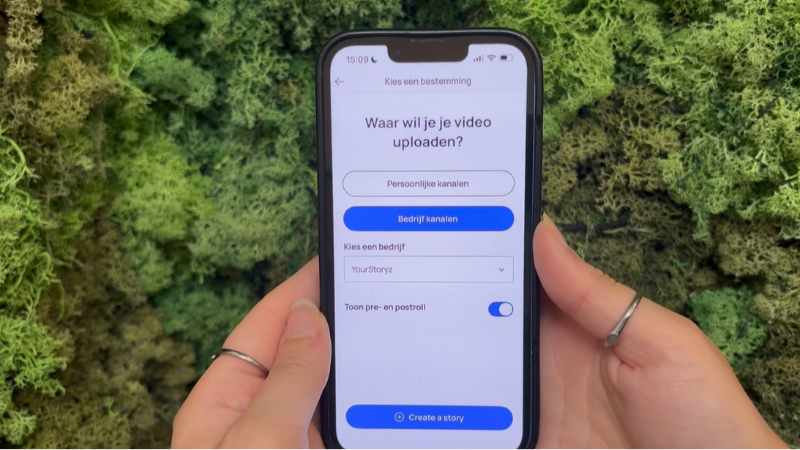
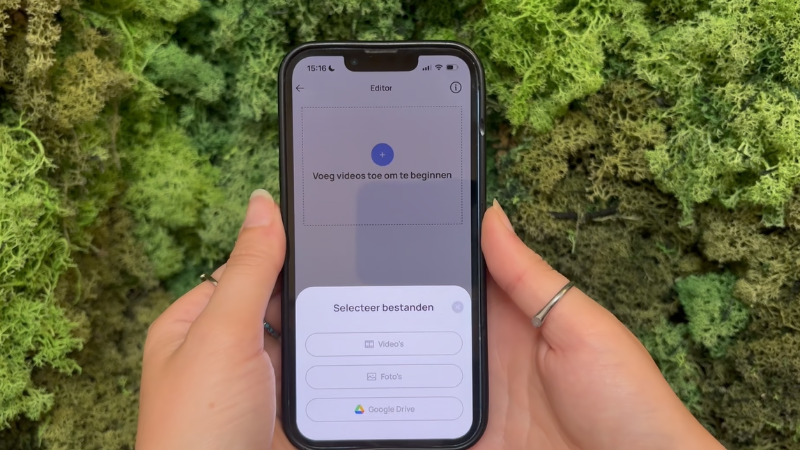
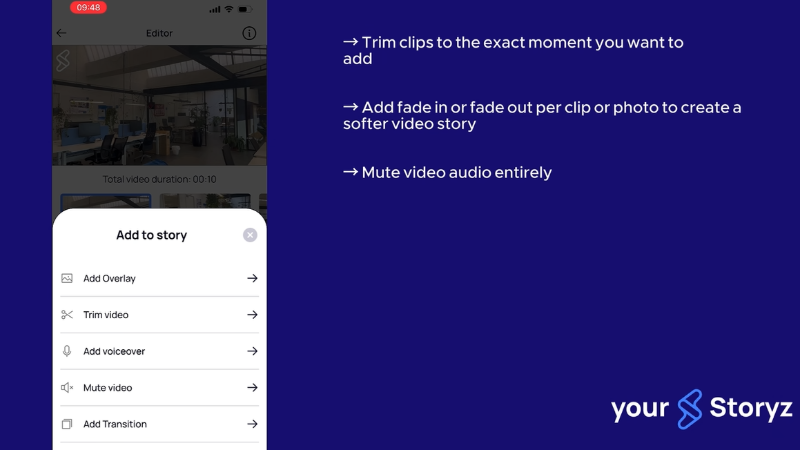
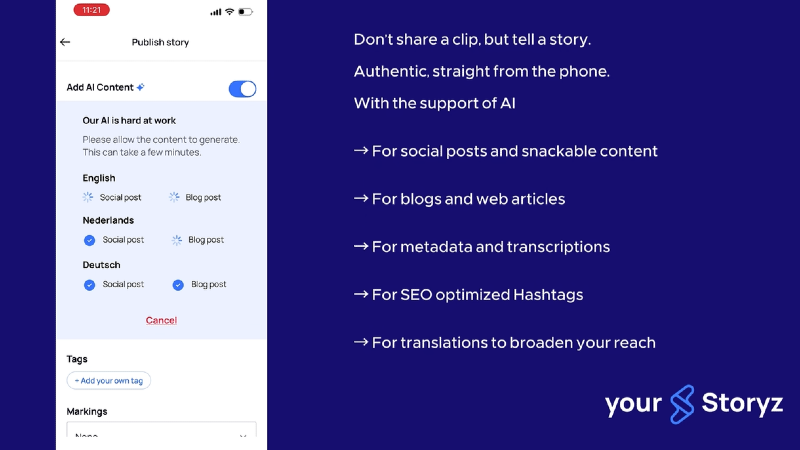
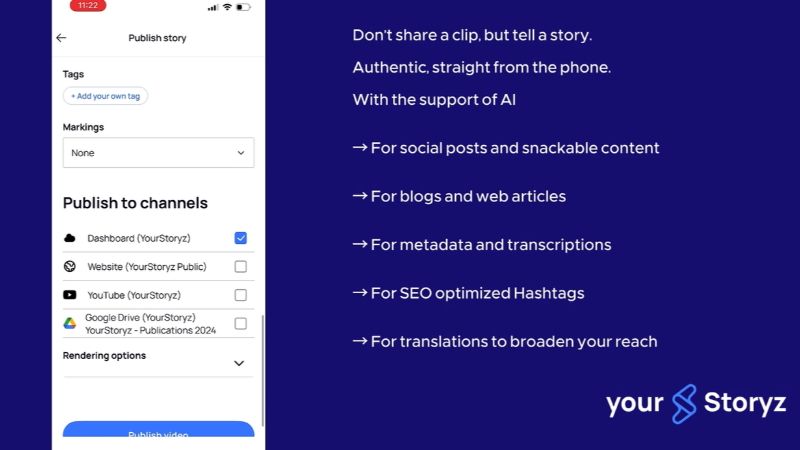
Learn how to create, edit and publish professional videos with YourStoryz. In this step-by-step video, we’ll show you how to use the app, add and edit your content, use AI features and publish your story. We’ll also introduce YourStoryz Light, a simple way to collect photos and videos. Want to learn more? Check out our other videos for tips on creating better videos and customizing your brand style.
This video material is available when you purchase the course.
This video material is available when you purchase the course.
This video material is available when you purchase the course.
This video material is available when you purchase the course.
This video material is available when you purchase the course.
This video material is available when you purchase the course.
This video material is available when you purchase the course.